1. Fake e-Challan links can steal
money. Check only official Parivahan website.
संशयास्पद e-Challan लिंकवर क्लिक केल्यामुळे आपल्या बँक
खात्यातून अनधिकृत व्यवहार होण्याची शक्यता आहे. e-Challan
ची शहानिशा करण्यासाठी केवळ फक्त अधिकृत परिवहन
संकेतस्थळाचाच वापर करावा.
2. No police/agency will arrest via video
call. It’s fraud. Call 1930 to report.
पोलीस किंवा कोणतीही एजन्सी व्हिडिओ कॉलवर अटक करत नाही. हा
फसवणुकीचा प्रकार आहे. तक्रारीसाठी त्वरित १९३० वर कॉल
करा.
3. Check app permissions. Don’t allow access
to SMS, Calls, Camera or Contacts etc.
unnecessarily.
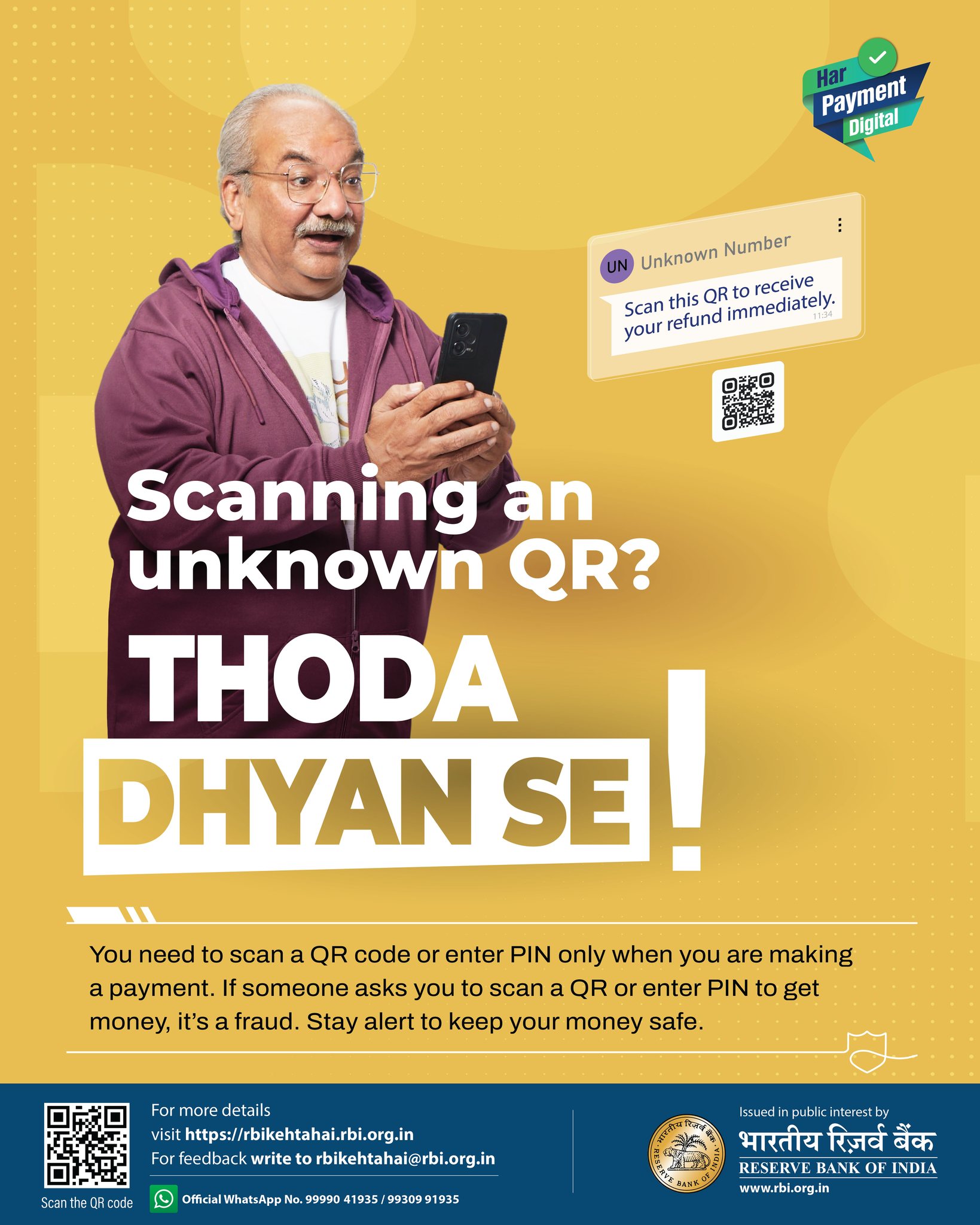
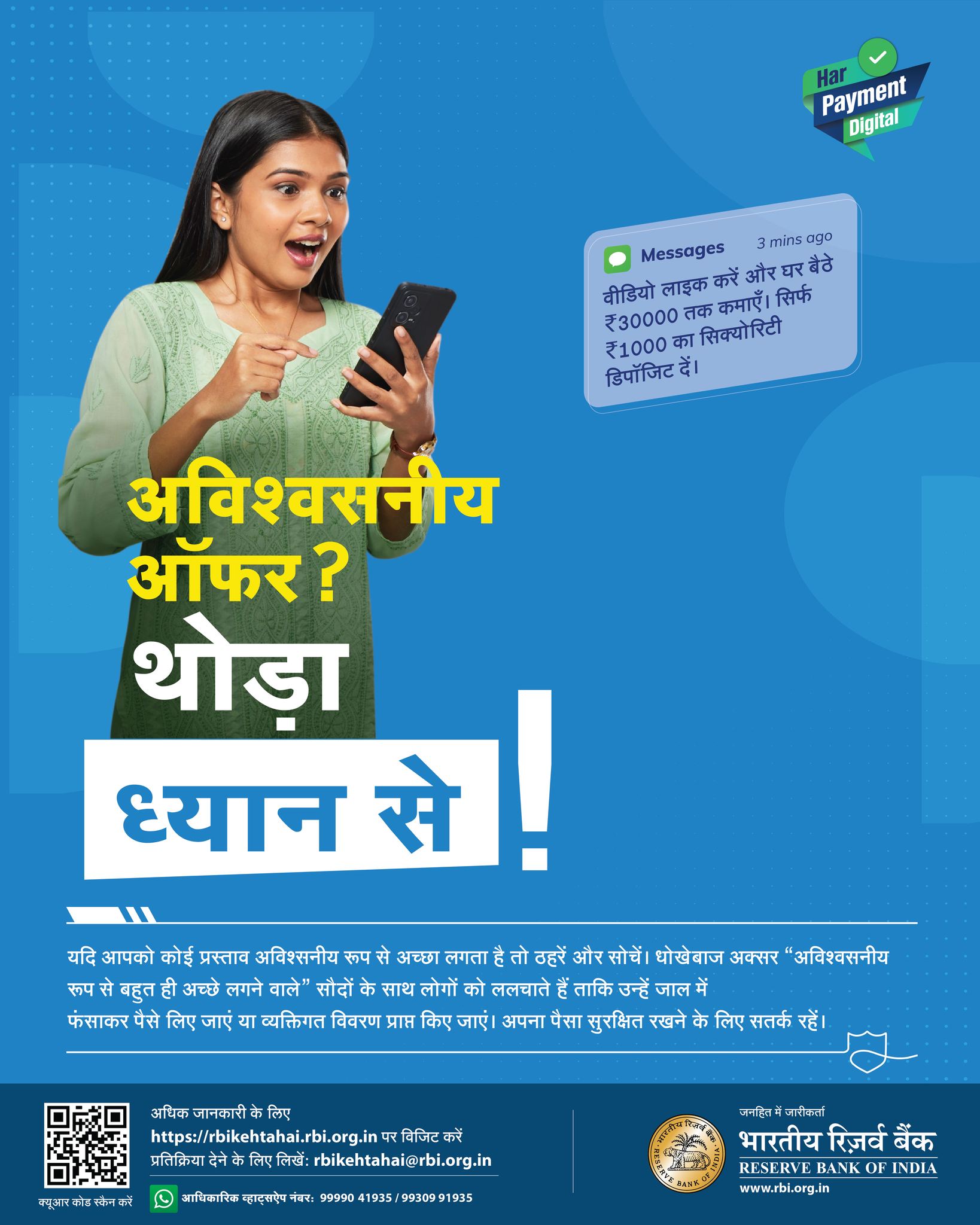
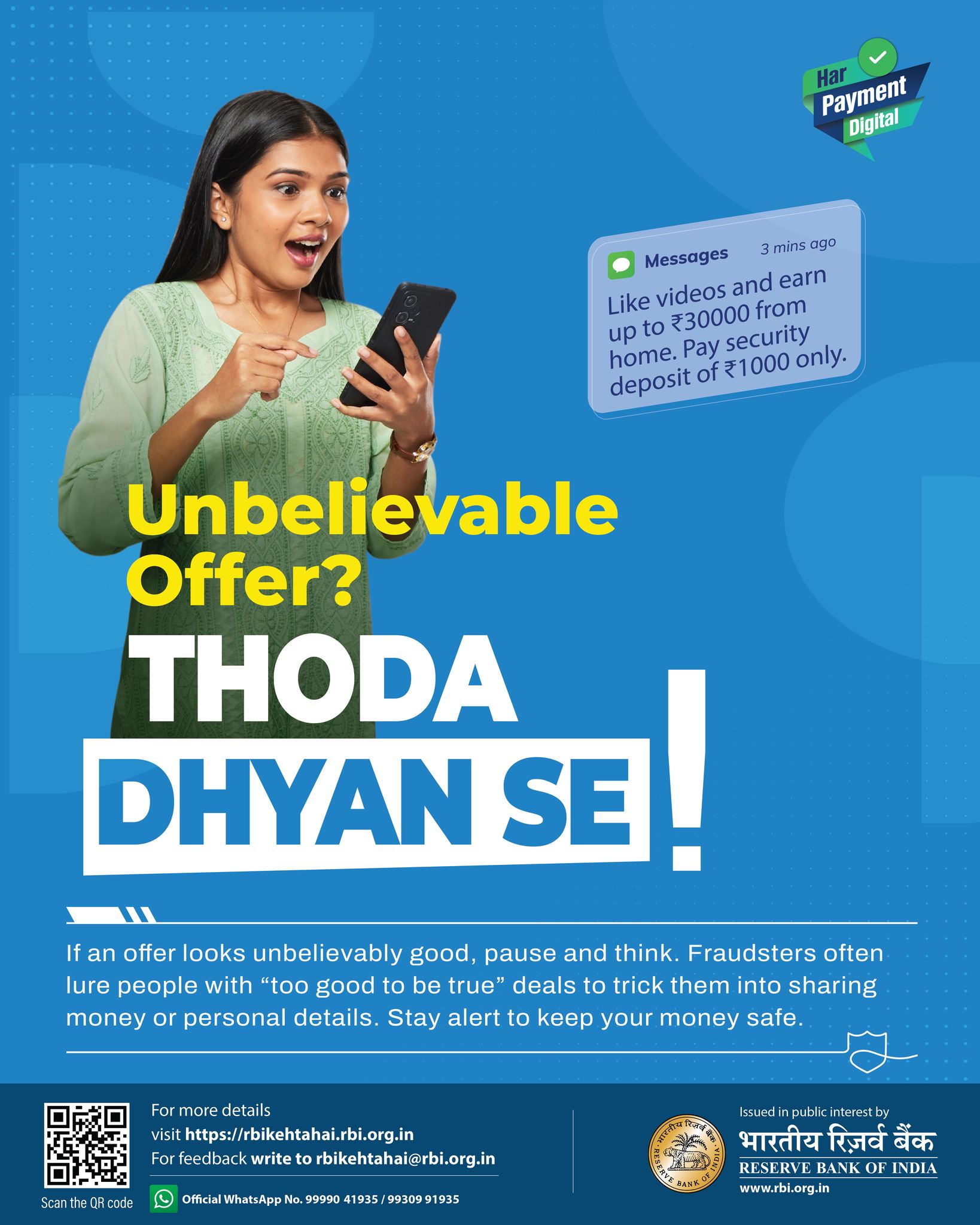
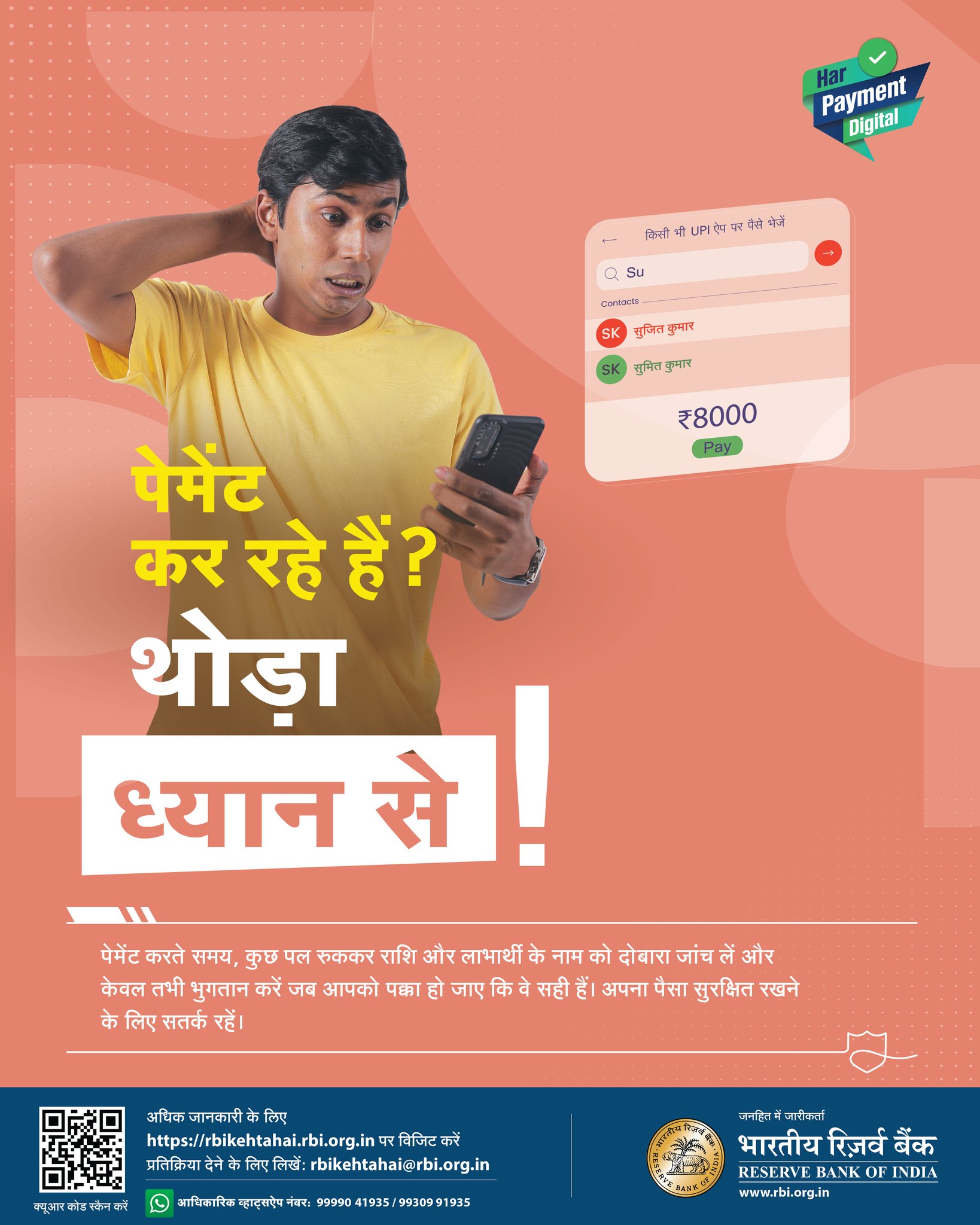
4. थोड़ा ध्यान से
यदि आपको कोई प्रस्ताव अविश्वसनीय रूप से अच्छा लगता है तो
ठहरें और सोचें। धोखेबाज अक्सर ""अविश्वसनीय रूप से बहुत
ही अच्छे लगने वाले"" सौदों के साथ लोगों को ललचाते हैं
ताकि उन्हें जाल में फंसाकर पैसे लिए जाएं या व्यक्तिगत
विवरण प्राप्त किए जाएं। अपना पैसा सुरक्षित रखने के लिए
सतर्क रहें।
5. High returns = High risk. Don’t
trust unknown investment SMS / WhatsApp tips.
6. सायबर स्वच्छता केंद्र या संकेतस्थळावर
स्मार्टफोन सुरक्षा टूलकिट (Toolkit) उपलब्ध आहे.
बॉट रिमूव्हल टूल्स डाउनलोड करण्यासाठी
https://www.csk.gov.in/security-tools.html
संकेतस्थळाचा वापर करा.
शेअर केलेले किंवा सार्वजनिक डिव्हाइस वापरल्यानंतर लॉग आउट
करा.
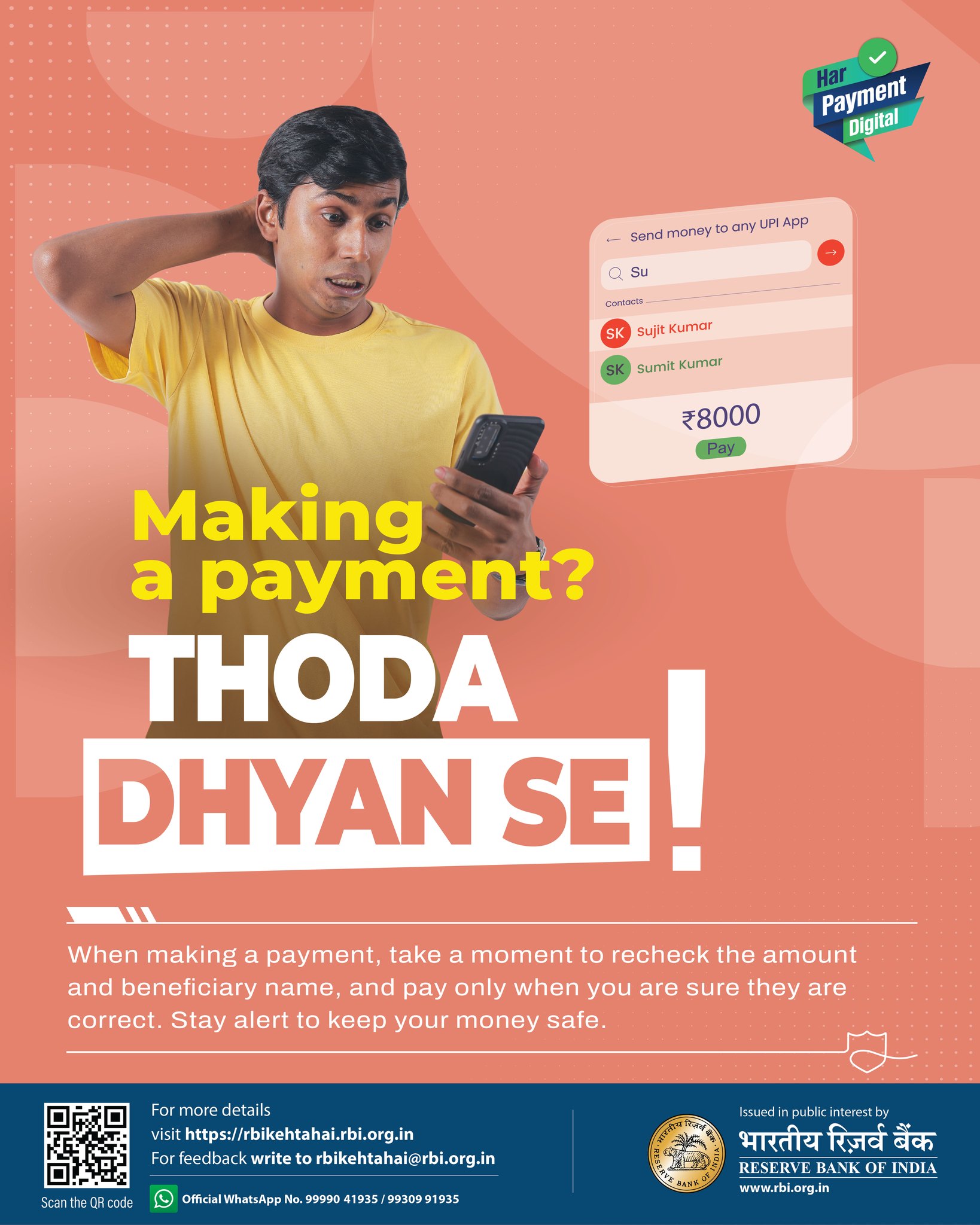
7. पेमेंट करते समय, कुछ पल रुककर राशि और
लाभार्थी के नाम को दोबारा जांच लें और केवल तभी
भुगतान करें जब आपको पक्का हो जाए कि वे सही हैं। अपना
पैसा सुरक्षित रखने के लिए सतर्क रहें।
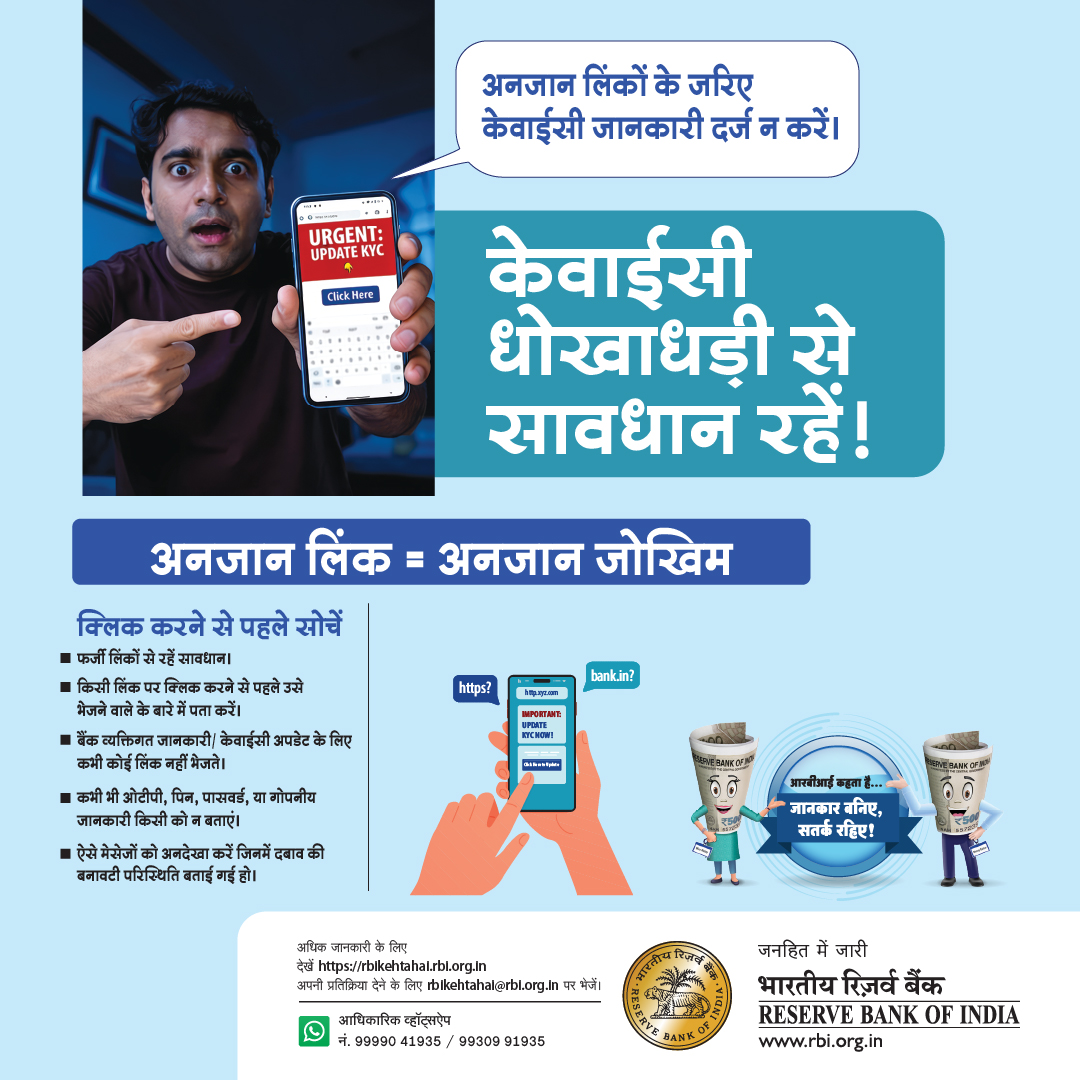
8. अनजान लिंक = अनजान जोखिम
- क्लिक करने से पहले सोचें।
- फर्जी लिंकों से रहें सावधान।
- किसी लिंक पर क्लिक करने से पहले उसे भेजने वाले के बारे
में पता करें।
- बैंक व्यक्तिगत जानकारी / केवाईसी अपडेट के लिए कभी कोई
लिंक नहीं भेजते।
- कभी भी ओटीपी, पिन, पासवर्ड, या गोपनीय जानकारी किसी को न
बताएं।
- ऐसे मेसेजों को अनदेखा करें जिनमें दबाव की बनावटी
परिस्थिति बताई गई हो।
9. Do not download any app on the advice of
strangers as it may take remote control of your mobile
device to steal information or to trick you.
10. Beware of cyber frauds and do not
respond to any suspicious Call or SMS. Call 1930
to report cyber frauds/ incidents.
11. Beware of illegal lending apps.
Always check whether the lending app is affiliated with
Bank before providing your personal details.
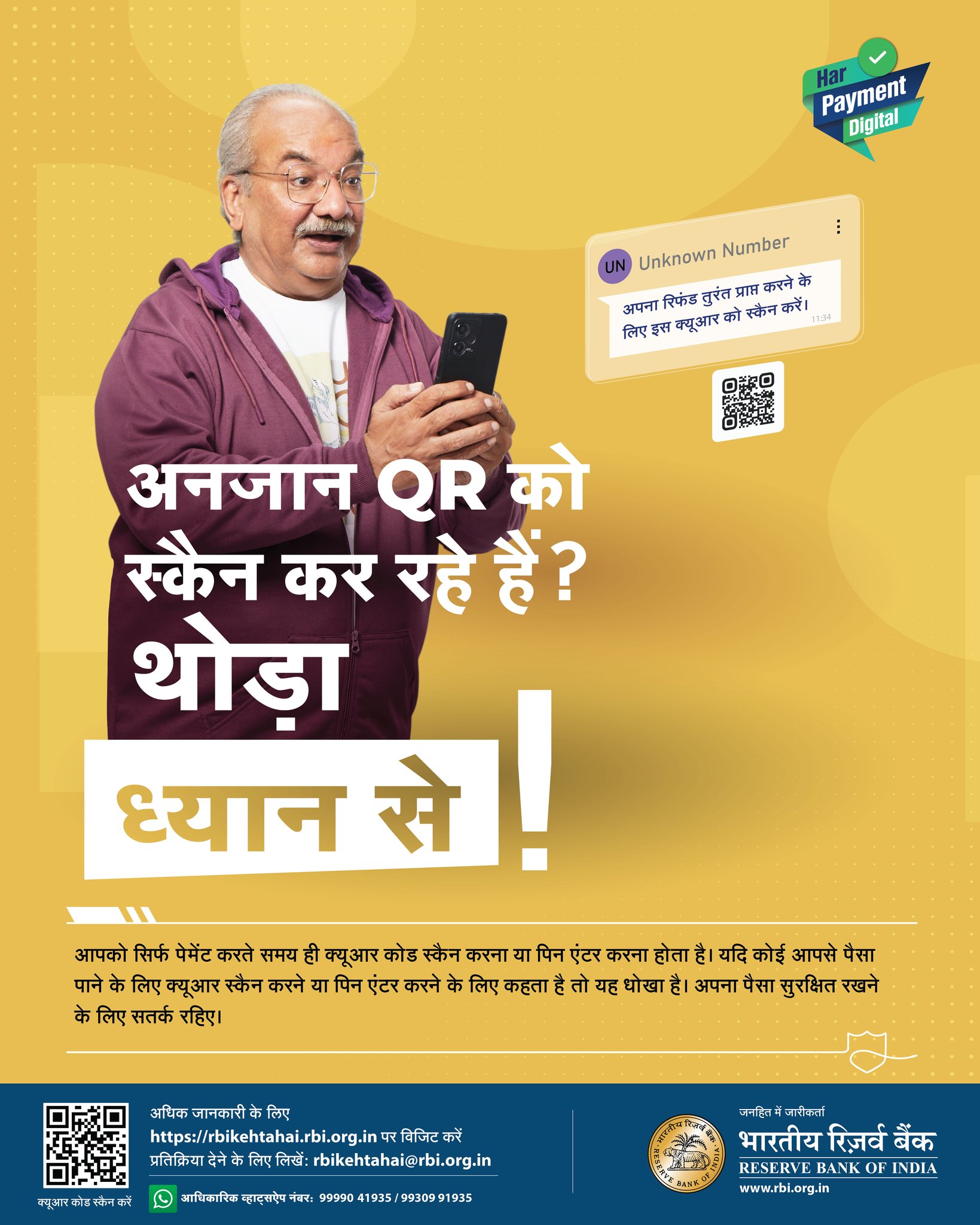
12. आपको सिर्फ पेमेंट करते समय ही क्यूआर कोड
स्कैन करना या पिन एंटर करना होता है। यदि कोई आपसे पैसा
पाने के लिए क्यूआर स्कैन करने या पिन एंटर करने के लिए
कहता है तो यह धोखा है। अपना पैसा सुरक्षित रखने के लिए
सतर्क रहिए।
13. इंटरनेट / मोबाईल युजर्ससाठी अत्यंत
महत्त्वाची सूचना:
फ्रॉड करणारे आपल्या अकाउंट मधून Financial Transaction
करण्यासाठी KYC / Electricity Bill / Recharge /
Insurance/
Card किंवा अन्य कारणास्तव आपणांस फोनवरती Voice कॉल, text
SMS
वा WhatsApp मेसेजद्वारे एखादी लिंक अथवा फोन नंबर देतात.
त्यावर संपर्क साधला असता त्यांचे सुचनेनुसार process केली
असता अथवा सदर link वर click केल्यास आपणांस आर्थिक
नुकसानीस
सामोरे जावे लागते.
त्याकरिता unauthorised अॅप डाऊनलोड करु नका. तसेच remote
code
/ OTP / PIN / CVV / Password इ. माहिती कोणाही बरोबर
share
करु नका.
काही गडबड वाटल्यास इंटरनेट लगेच बंद करा / mobile restart
करा
आणि बँकेशी त्वरित संपर्क करा.
एटीएम कार्डवरील सीव्हीव्ही, पासवर्ड, वनटाईम पासवर्ड ई.
अन्य
माहिती बँक कधीही विचारत नाही.
चला आपले व्यवहार आपणच सुरक्षित करूया.
14. Protect your financial info!
Banks will never ask for sensitive details via text,
email or
WhatsApp. Stay safe from cyber scams!
आपली आर्थिक माहिती सुरक्षित ठेवा!
बँक कधीही एसएमएस, ईमेल किंवा व्हॉट्सअँप द्वारे कोणत्याही
संवेदनशील माहितीची मागणी करत नाही
सायबर धोकादायकांपासून सुरक्षित रहा!
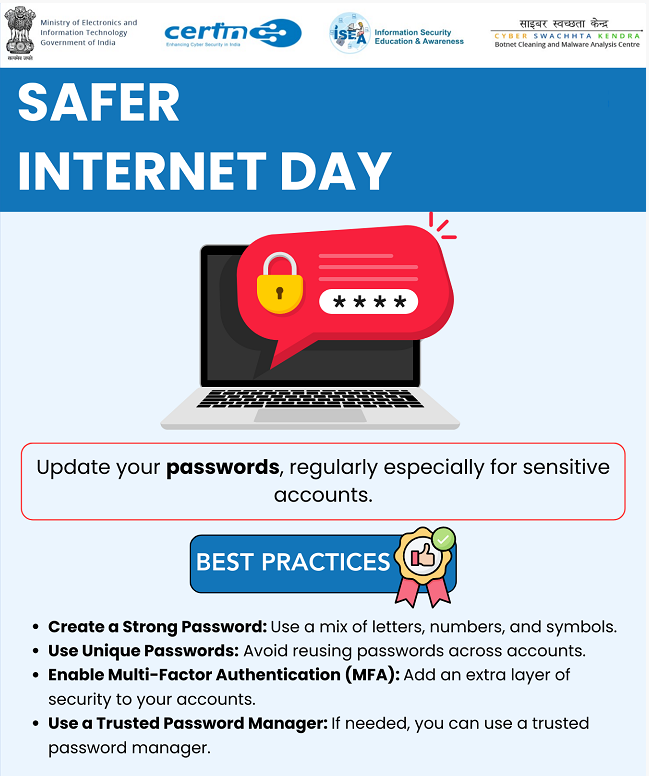
15. How to secure yourself?
- Use complex password (combination of Upper/Lower
Characters, Numbers, Special Characters, Min. 8
characters)
- Avoid electronic transaction over public Wi-Fi network
-
Always check your bank statements
- Always download apps from official app stores
- Don't trust strangers
- Keep your devices updated
- Never respond to fake/unknown calls
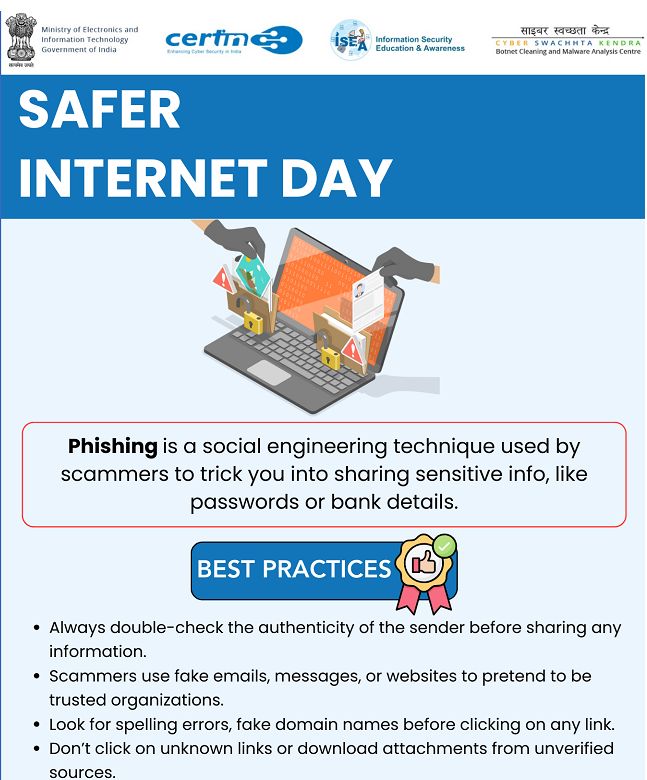
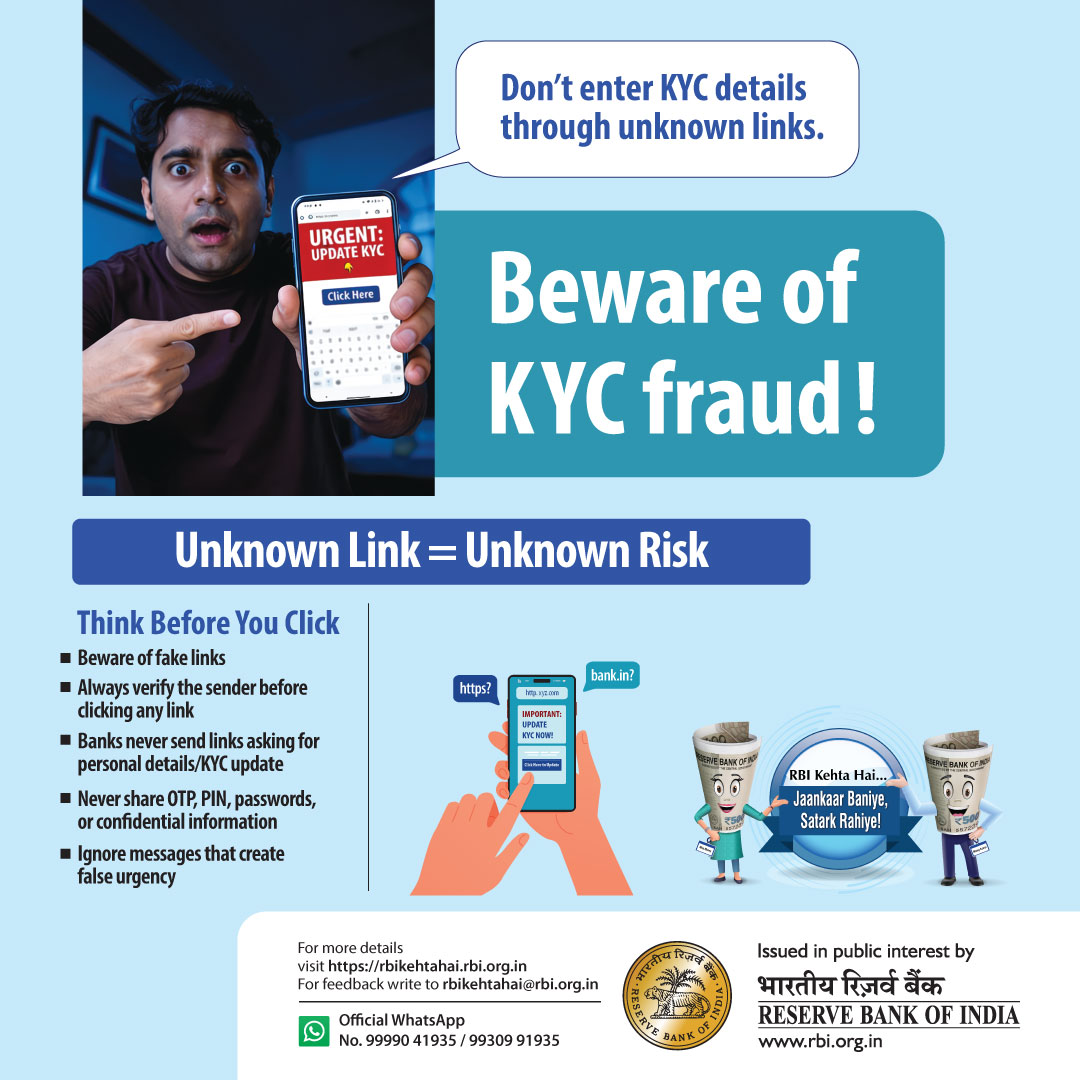
16. Beware of phishing attempts!
Verify
the sender's identity before clicking on any links or
sharing personal information.
17. Be cautious of unexpected calls
claiming you've won a lottery or prize. Don't share
personal
or financial details. Stay vigilant!
तुम्ही लॉटरी किंवा बक्षीस जिंकल्याचे दावे करणाऱ्या फेक
कॉल्सपासून सावध रहा. कोणतीही वैयक्तिक किंवा आर्थिक
माहिती
शेअर करू नका. सतर्क रहा!
18. Stay alert! Fraudsters may use
fake
offers of prizes or gifts to trick you into sharing
sensitive information. Don't be a victim, be vigilant!
19. Stay wary of fake calls claiming
to be
from insurance companies or bank or courier services.
Verify with the company or bank directly, dont share any
personal or financial information.
Stay cautious, stay safe!
20. Always ignore suspicious calls /
messages / links and emails that ask you to download
applications.
21. Keep your device OS / Security Apps up
to
date.
Ensure that the auto-lock feature is enabled on your
device.
22. Keep your mobile phone safe from
viruses:
-Install available updates of Mobile Phone OS.
-Download mobile apps from official app stores.
-Always review the app details, number of downloads, user
reviews and verify app permissions.
-Do not browse un-trusted websites or follow un-trusted
links.
-Do not click on the link provided in any unsolicited
emails
and SMSs.
23. QR code caution!
Avoid scanning unknown QR codes, especially in public
places.
They could redirect you to fraudulent websites or
initiate
unauthorized transactions.
Stay safe, stay informed!
24. Protect Your UPI, Protect Your
Money
- Never share OTPs or PINs with anyone.
- Be alert of suspicious links and messages.
- Use strong, unique passwords for all UPI apps.
- Keep your device and apps updated.
25. It is very important to secure your
mobile
phone / computer because it has all the private
information
about your accounts.
1) Never install applications when encountered with
fraudsters / strangers.
2) Block the suspicious mobile number immediately to
avoid
further issues.
3) OTP’s, Passwords, Security code, remote desk code,
PINs
shouldn’t be shared as anyone can access your account /
mobile phone.
26. इंटरनेट / मोबाईल युजर्ससाठी KYC /
Electricity bill / Recharge / Helpline Voice call अशा
प्रकारचे स्कॅम एक मोठी समस्या बनली आहे.
कॉल किंवा फ्रॉड करणारे फ्रॉड करताना, मोबाईल युजरला
त्यांच्या
फोनमध्ये क्विक सपोर्ट / टीम व्हिवर / एनी डेस्क अॅप
डाऊनलोड
करण्यासाठी सांगतात. मग ते ॲप स्टार्ट करायला सांगतात आणि
त्याचा Remote code / OTP / PIN / Password मागतात. तो
त्यांना
मिळाला की नंतर तुमच्या फोनचा संपूर्ण ॲक्सेस फ्रॉड
करणाऱ्यांकडे जातो.
त्यानंतर फ्रॉड करणारे तुमच्या फोन आणि अकाउंट मधून
Financial
Transaction करून तुमचे नुकसान करतात.
त्यामुळे तुम्हाला कॉल आल्यावर जर असे ॲप डाऊनलोड
करण्यासाठी
सांगितले तर तसे करू नका.
काही गडबड वाटल्यास इंटरनेट लगेच बंद करा आणि बँकेशी त्वरित
संपर्क करा
27. Digital Security:
- Always use Two Factor Authentication (2FA)
- Keep anti-virus software up-to-date
- Avoid opening suspicious emails
- Think before click
- Do not share your personal information
- Do not share password / PIN / OTP / Secret codes / Card
Number
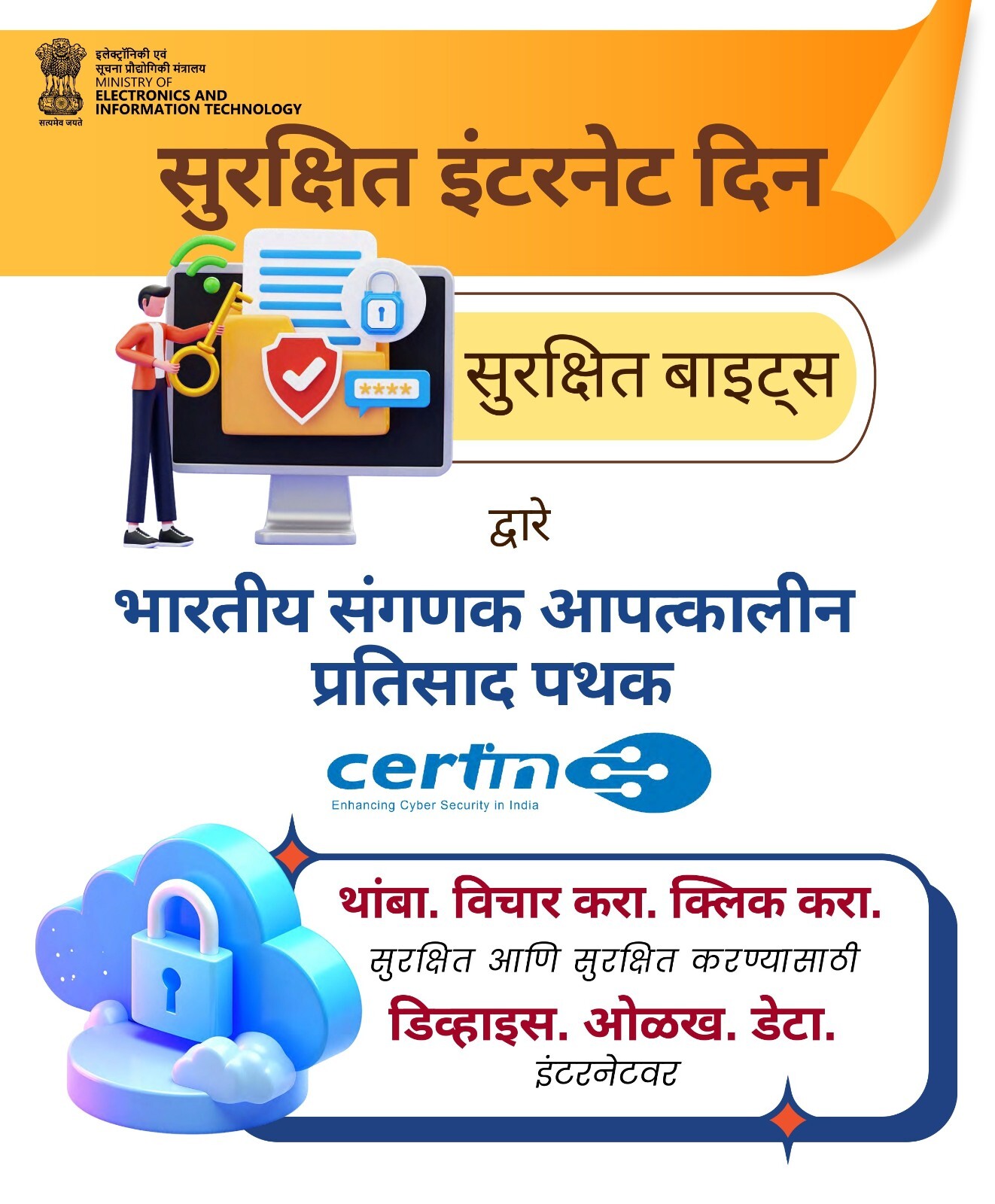
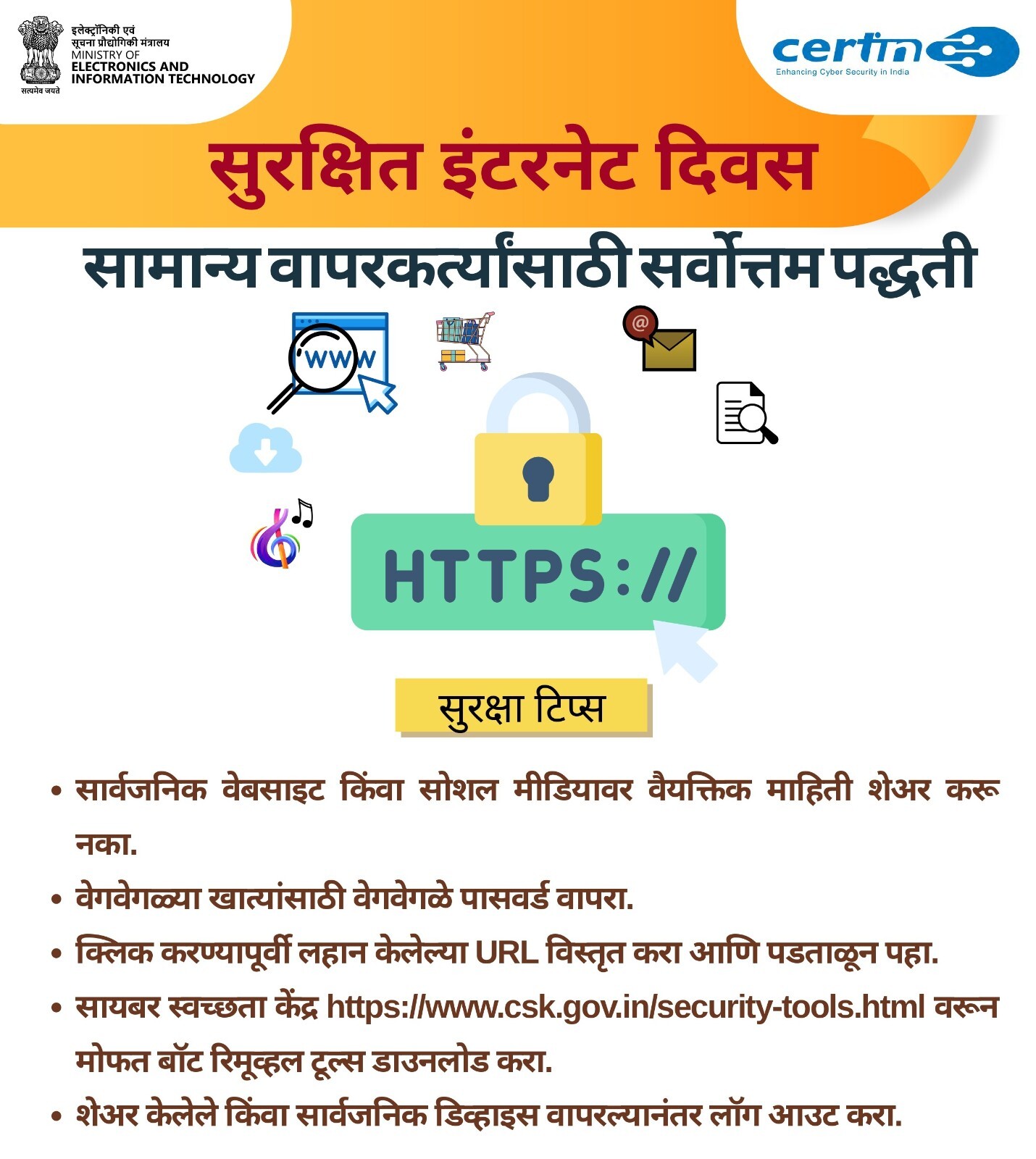
- Ensure that website URL has https
- Always backup your data
- Keep your devices and your apps up-to-date
28. अनावश्यक व्यावसायिक संदेशांपासून बचाव
करण्यासाठी, आपण आपल्या पसंतीनुसार व्यावसायिक संदेश रोखू
शकता. यासाठी कृपया टेलिकॉम सेवा पुरवठादाराच्या Telecom
service provider App/ Website, TRAI DND अॅप / option
किंवा
'1909' वर कॉल/ SMS करा
29. अनध्रिकृत व्यवहार, फसवणूक किंवा सायबर
गुन्ह्यासाठी 1930 वर कॉल करा किंवा
https://www.cybercrime.gov.in वर तक्रार नोंदवा.
30. क्या आपने अवास्तविक लाभ का वादा करने
वाली
योजनाओ में पैसा गवा दिया है? शिकायत दर्ज करने और संबधित
अधिकारियो से संपर्क के लिए
https://sachet.rbi.org.in
पर रिपोर्ट करे|
31. तुम्हाला डिजिटल अरेस्टसाठी धमकी दिली
जात
असेल, तर घाबरू नका. कोणालाही वैयक्तिक माहिती किंवा पैसे
देऊ
नका. मदतीसाठी 1930 वर कॉल करा.
32. तुम्ही अवास्तविक लाभ देण्याच्या
योजनांमध्ये
गुंतवणूक करून पैसे गमावले आहेत का? कृपया तक्रार दाखल
करण्यासाठी https://sachet.rbi.org.in या
संकेतस्थळावर
नोंद करा आणि संबंधित अधिकार्यांशी संपर्क करा.
33. अपने फोन/डिवाइस पर कोई भी अनजान ऐप
डाउनलोड
न करें या किसी भी अनजान लिंक पर क्लिक न करें। ऐसे
ऐप/लिंक से
आपके वित्तीय डेटा का एक्सेस किया जा सकता है।
34. तुमच्या नंबरवर फसवणुकीचा संशयास्पद
मेसेज
आला असेल,तर 30 दिवसांच्या आत खालील लिंकवर तक्रार नोंदवा
https://sancharsaathi.gov.in/sfc/
35. Review and check your bank
accounts
frequently for any unusual activity or suspicious
transactions.
36. Only download apps from official
stores, avoid third-party sites/ untrusted sources and
unsolicited emails. Never download and install
suspicious,
untrusted, unsafe & remote access apps.
37. Review and avoid granting
unnecessary
permissions to apps, especially those accessing
sensitive information.
38. Beware of scam calls posing as
insurance agents or KYC verification, asking for
sensitive
details or payments. Don't fall for their traps.

 8805599199